Free · Private · On-device
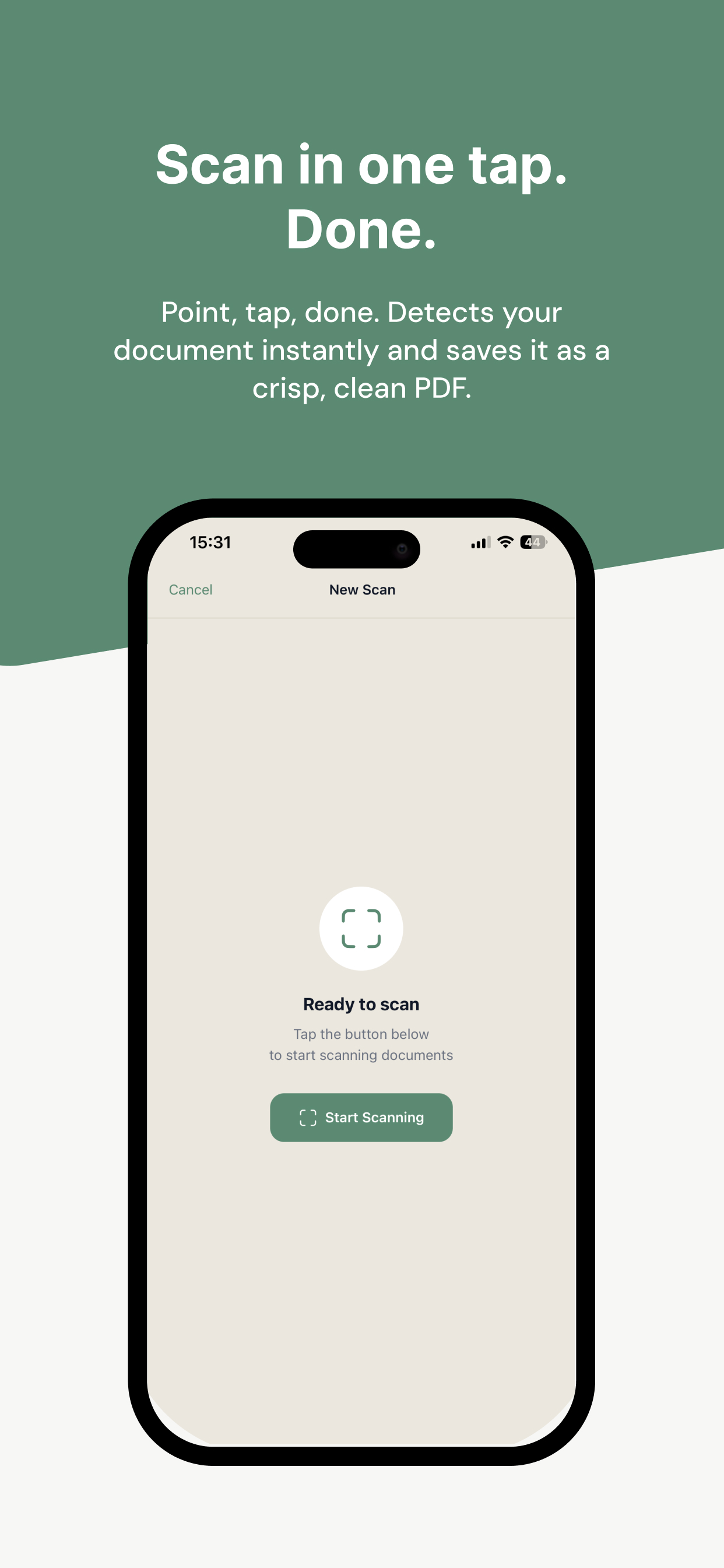
Scan. Read. Search. Free.
Unlimited on-device OCR, no ads, no subscriptions.
Download on theApp Store
Free, for good
No subscription, no ads, no paywall. Not now, not later.
Everything on your iPhone
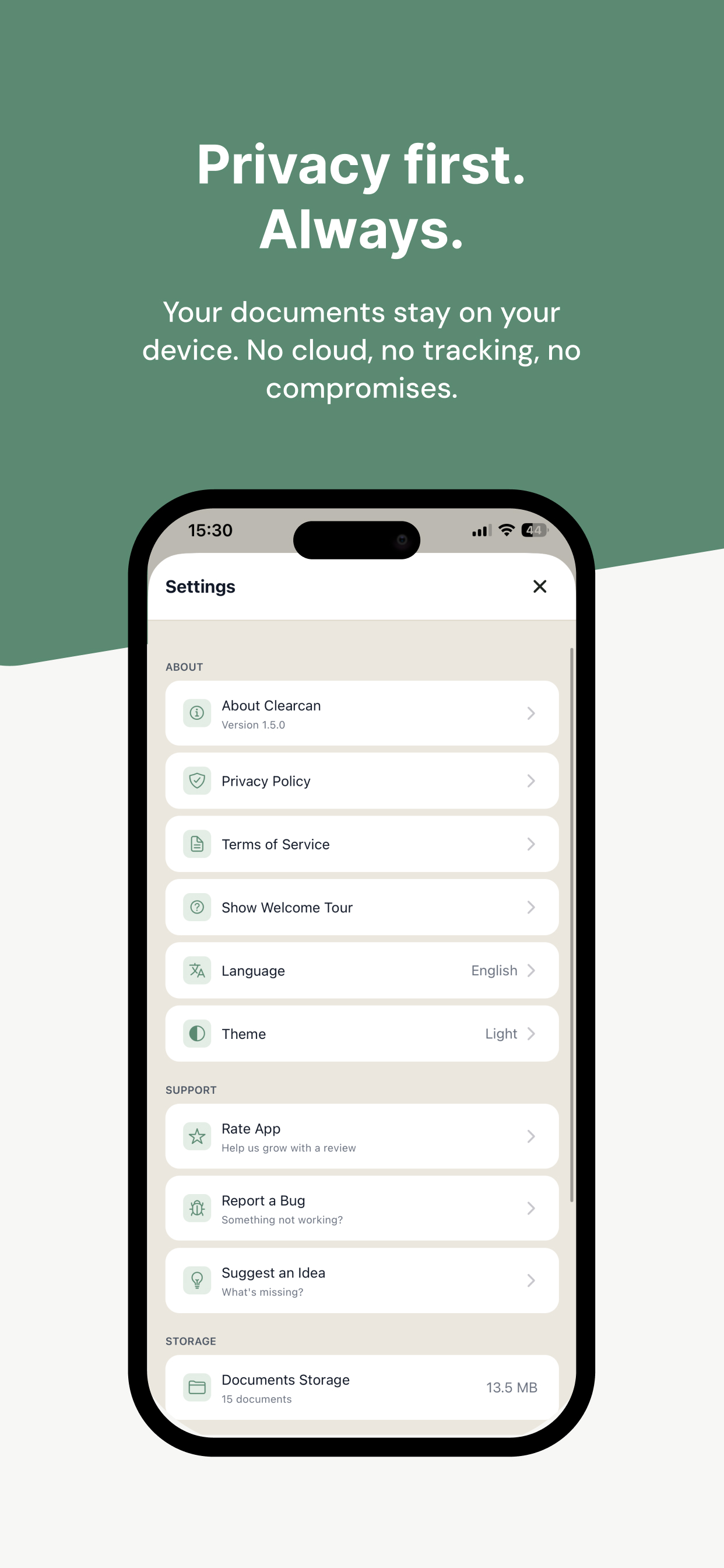
No account, no cloud, no tracking. Your documents never leave your device.
Unlimited OCR
Text recognition on every page. No limits, no paywall.
Everything a paid scanner charges for
All of it included. All of it on your phone.
Read
- Unlimited OCR
- Every page is recognized on your iPhone — no limits, no cloud.
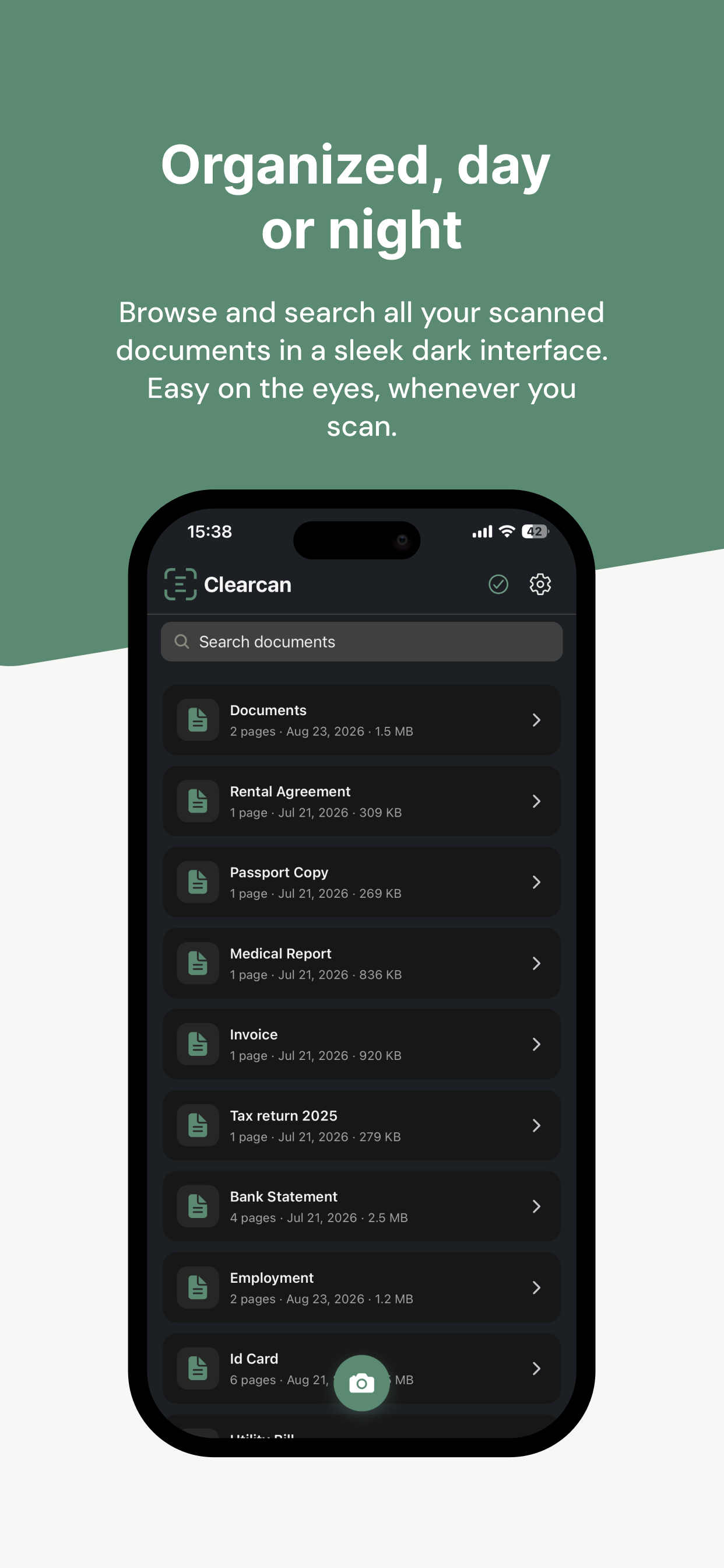
- Search inside scans
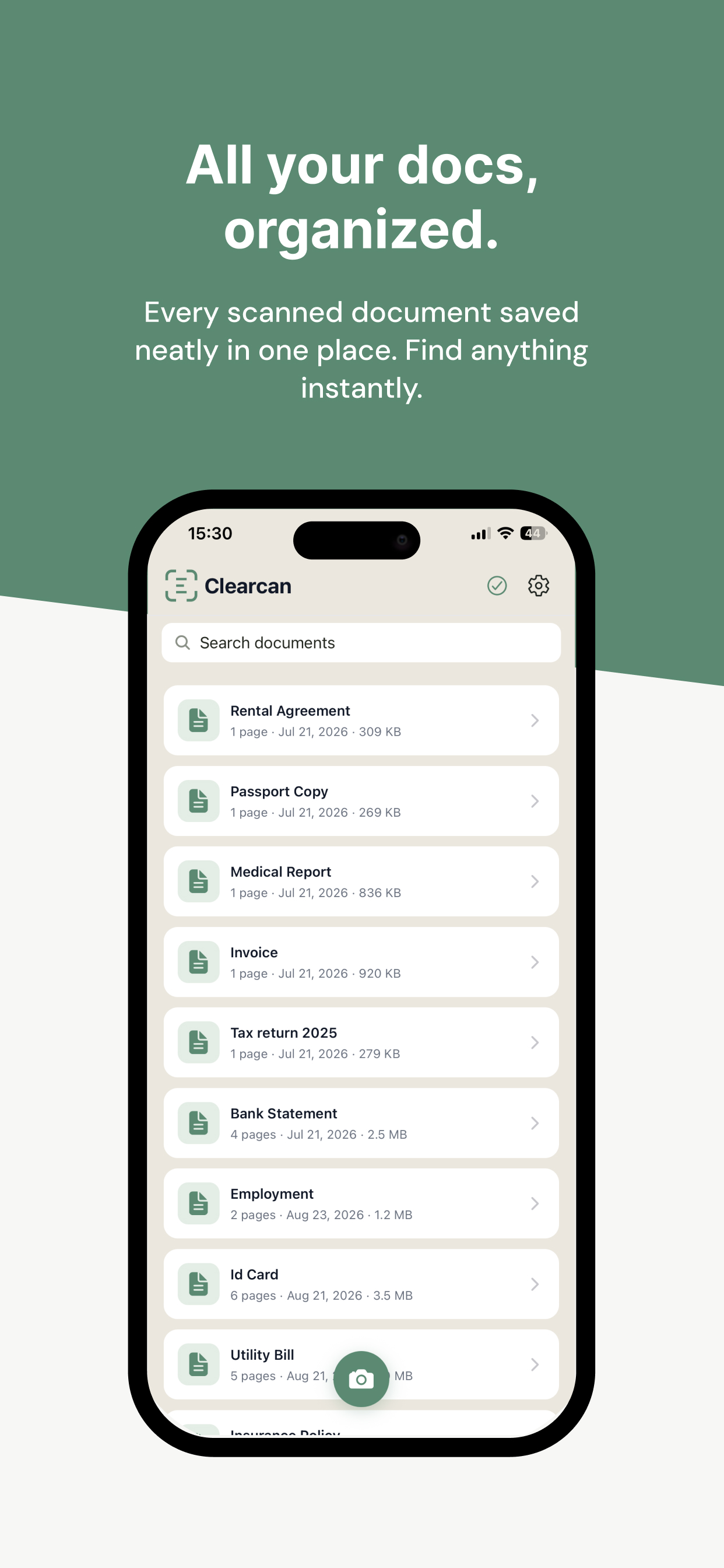
- Find a document by the words in it, not just its name.
- Copy text
- Pull an address, a number or a paragraph out of any scan.
- Smart names
- New scans name themselves from their content.
Organize
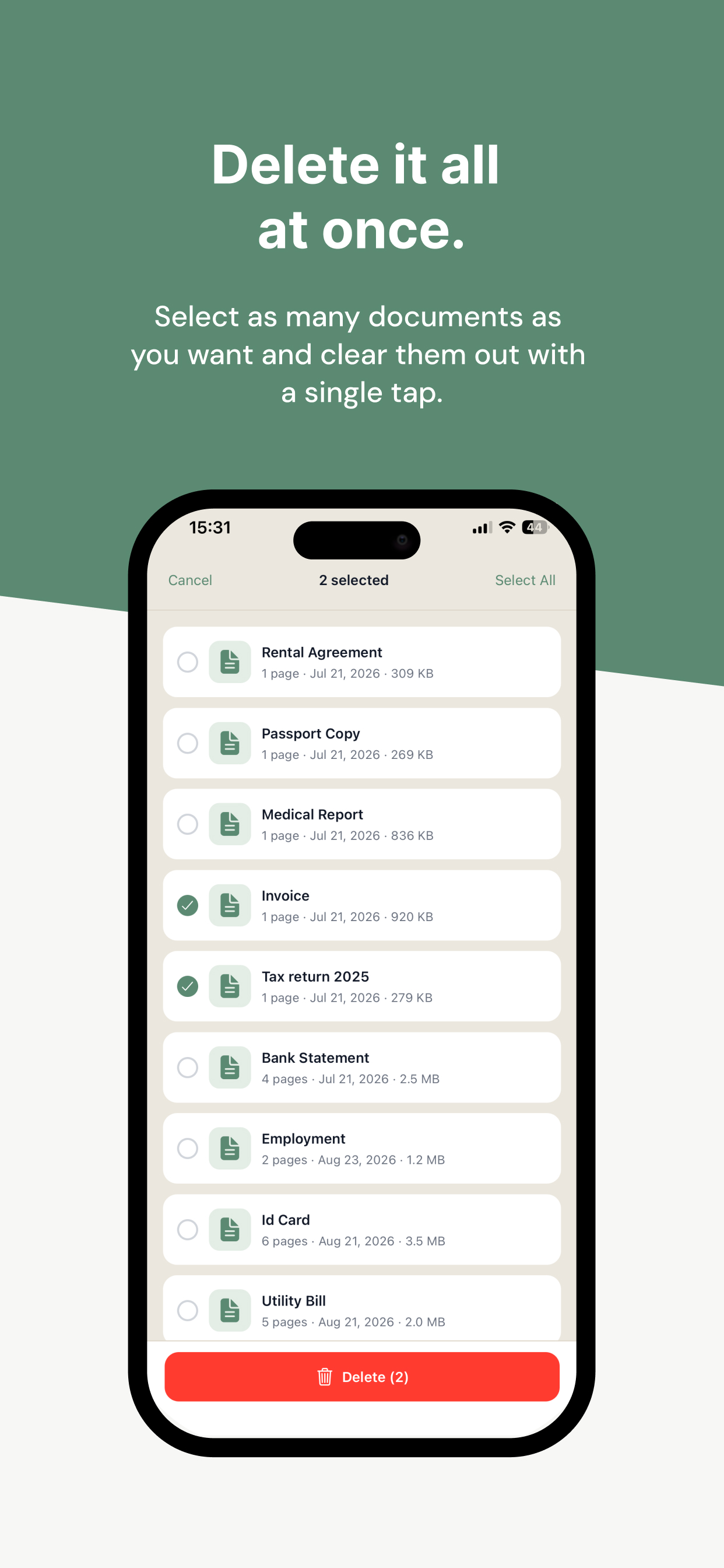
- Combine documents
- Merge several scans into one, right from the list.
- Extract pages
- Pull selected pages out into a new document.
- Flags and filter
- Flag what matters and filter the list in one tap.
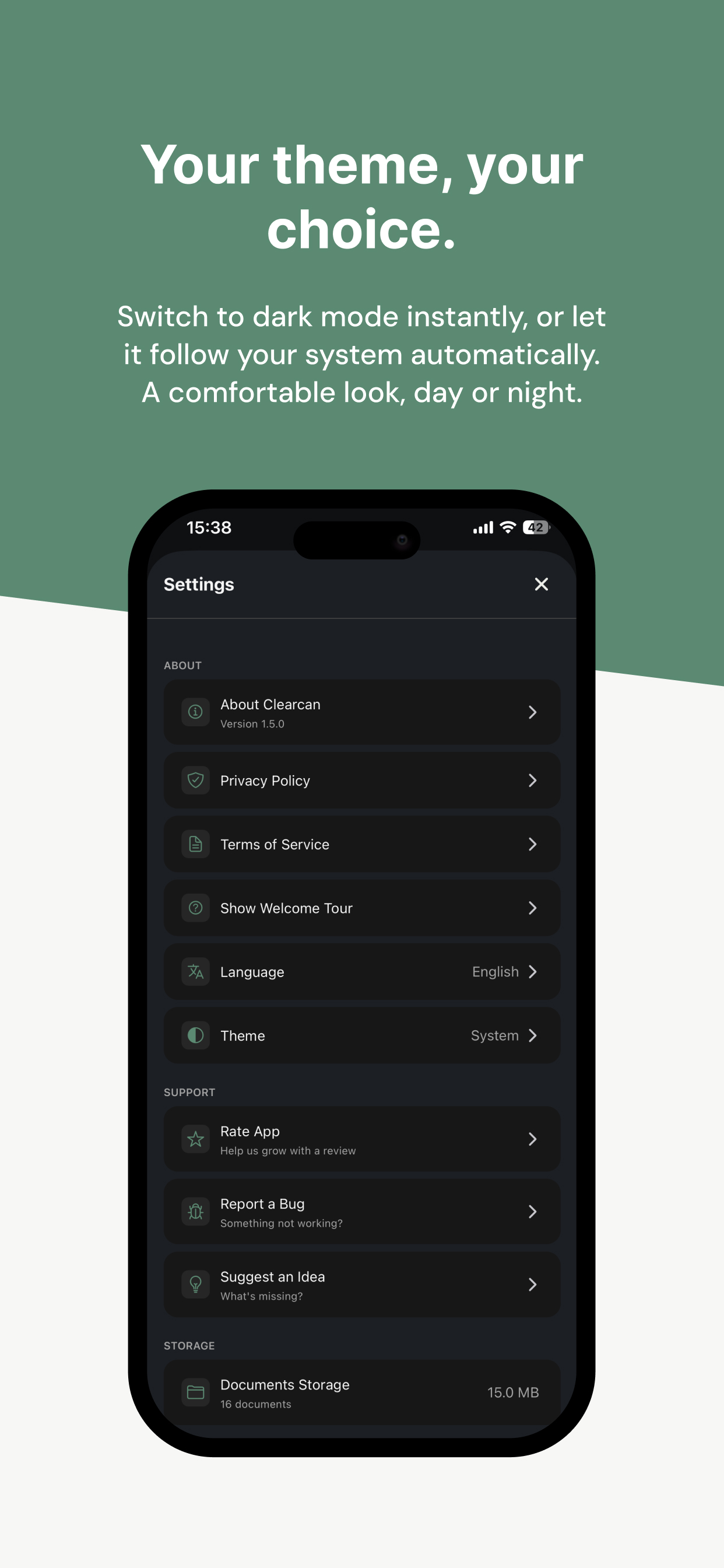
- Dark theme
- Easy on the eyes, day and night.
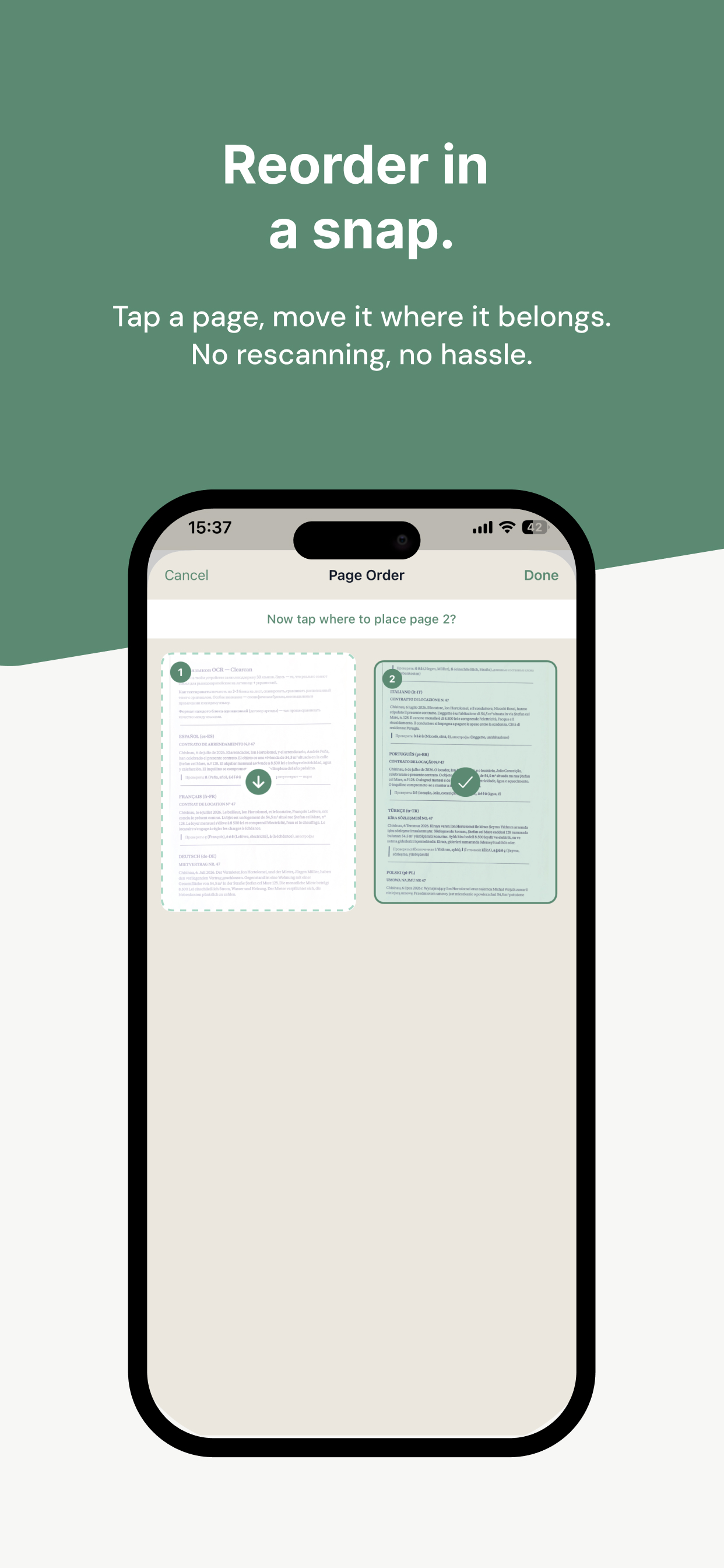
- Reorder pages
- Rearrange, add or delete pages anytime.
- Local backup
- Export everything to one file and restore it anytime.
Share
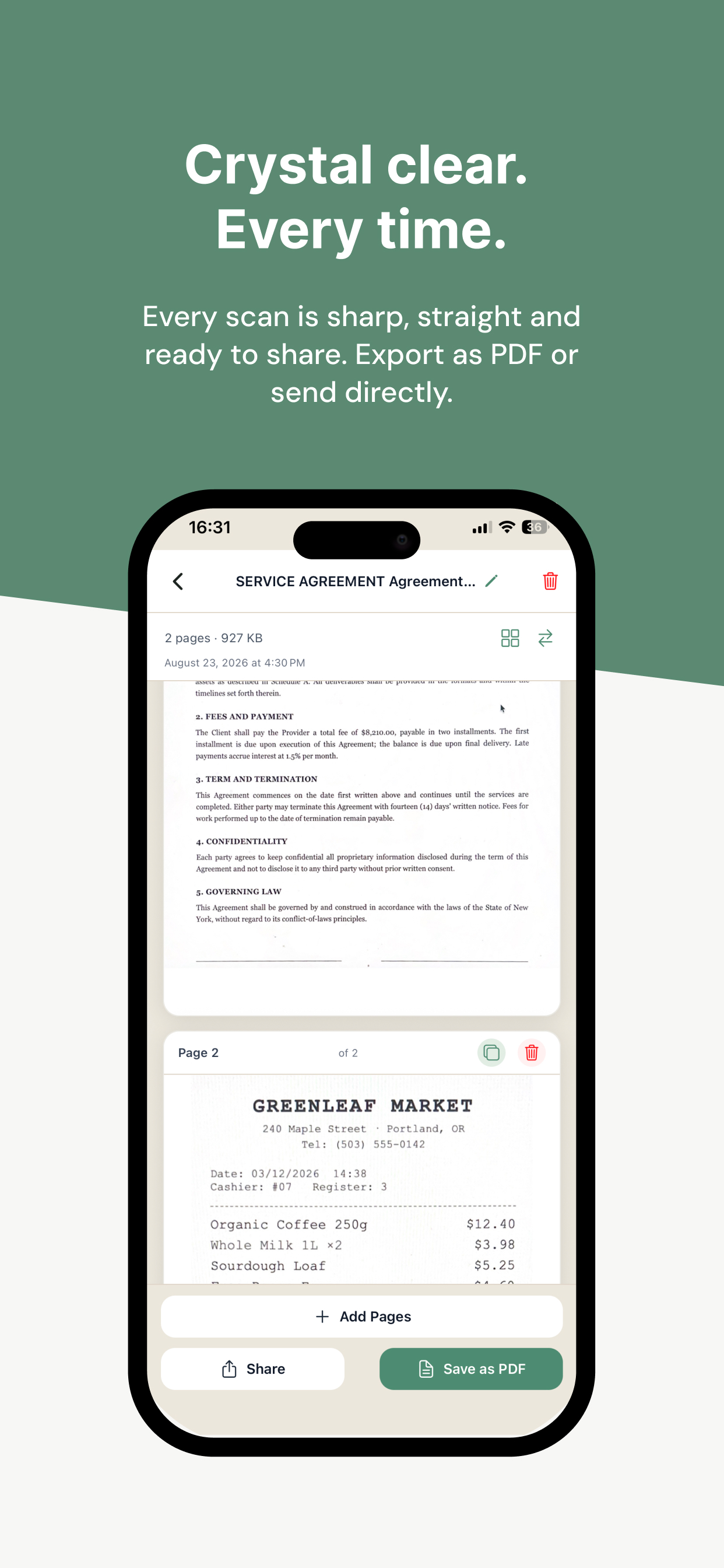
- Clean PDF
- No watermark, no page limits.
- Images and text
- Send pages as images, or export the recognized text as TXT.
- Pick what to share
- Choose only the pages you need.
- Save to Photos
- Put pages in your photo library in a tap.
See it in action
A typical scanner app vs. Clearcan
A typical scanner app
- OCR locked behind a subscription
- Ads and watermarks on your PDFs
- Scans uploaded to someone’s servers
- An account before you can scan
Clearcan
- OCR on every page, free
- Clean PDFs, zero ads
- Everything stays on your iPhone
- No account, ever
Questions
Is Clearcan really free?
Yes. No ads, no subscriptions, no locked features.
Are my documents uploaded anywhere?
No. Clearcan has no servers and no account. Scanning, text recognition and search all run on your iPhone.
Does it work offline?
Yes, completely — airplane mode included.
Is there a limit on OCR?
No. Every page of every document is recognized, with no caps.
How do I get documents out of the app?
Share as PDF, as images or as plain text (TXT), save pages to Photos, or send them to the Files app.
Your scanner shouldn’t cost a subscription.
Free on the App Store. No account, no ads.
Download on theApp Store